
Geez Louise
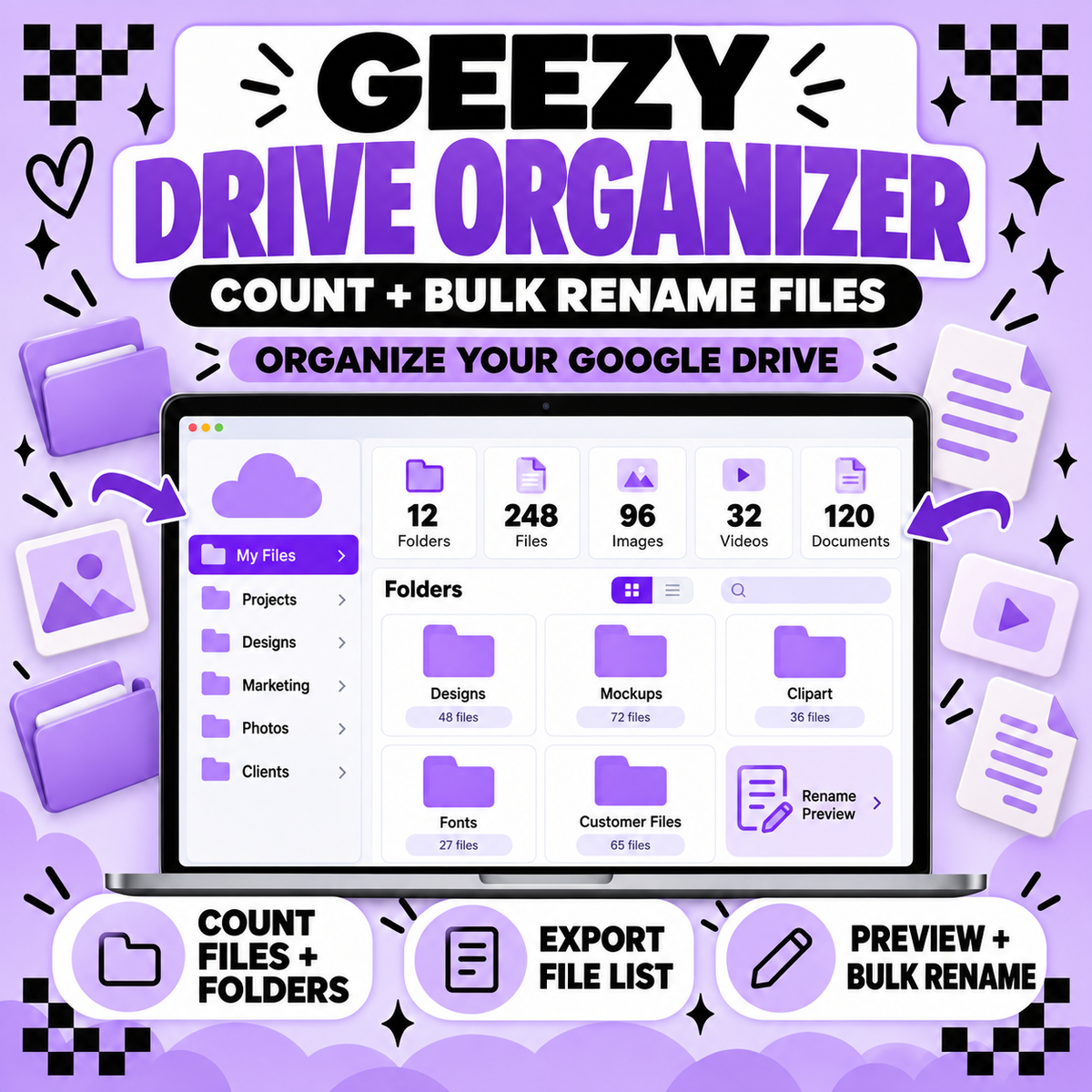
Geezy Drive Organizer – Google Drive File Counter & Bulk Renamer
Geezy Drive Organizer – Google Drive File Counter & Bulk Renamer
Couldn't load pickup availability
Tired of opening folder after folder just to figure out how many files you have—or renaming every file one at a time?
The Geezy Drive Organizer connects directly to your Google Drive and helps you count, organize and bulk rename your files from inside the Geezy Creator Hub.
What You Can Do
Count Files and Folders
Choose a folder from your Google Drive and quickly see:
-
Total number of files
-
Total number of folders
-
File-type breakdown
-
Counts from nested subfolders when selected
You can also export your file list as a CSV for easier tracking and organization.
Bulk Rename Files
Rename multiple files at once using:
-
Find and replace
-
Add a prefix
-
Add a suffix
-
Sequential numbering
You’ll see an old-name-to-new-name preview before anything changes. The tool also checks for duplicate names and requires final confirmation before renaming your files.
Your Files Stay in Google Drive
The Geezy Drive Organizer works directly with your Google Drive. It does not move your files into the Creator Hub.
The current organizer uses file names and metadata only. It does not open, download or store the contents of your files.
Important Information
-
A Google account and Google Drive are required.
-
You must give the tool permission to view and manage file names and details.
-
Your Google Drive remains connected only during your active session.
-
Your Google access token is not permanently stored.
-
Folder names are never changed.
-
You always preview and approve file-name changes before they are applied.
-
Results may depend on your Google Drive permissions for individual files and shared folders.
Access
This is an online tool located inside the Geezy Creator Hub. Nothing will be shipped or downloaded.
Creator Hub access is manually activated for the email address used during checkout. Please allow 24–48 business hours for activation during regular business hours: Monday–Friday, 10 AM–3 PM ET, excluding holidays.
Please use the same email address for checkout and your Creator Hub account.
You have to set up your own creator hub account first so access can be given.
Due to the digital nature of this product, all sales are final.
Share