
Geez Louise
Geezy Stamp Studio – Turn PNG Files Into Procreate Stamps & Stamp Sets
Geezy Stamp Studio – Turn PNG Files Into Procreate Stamps & Stamp Sets
Couldn't load pickup availability
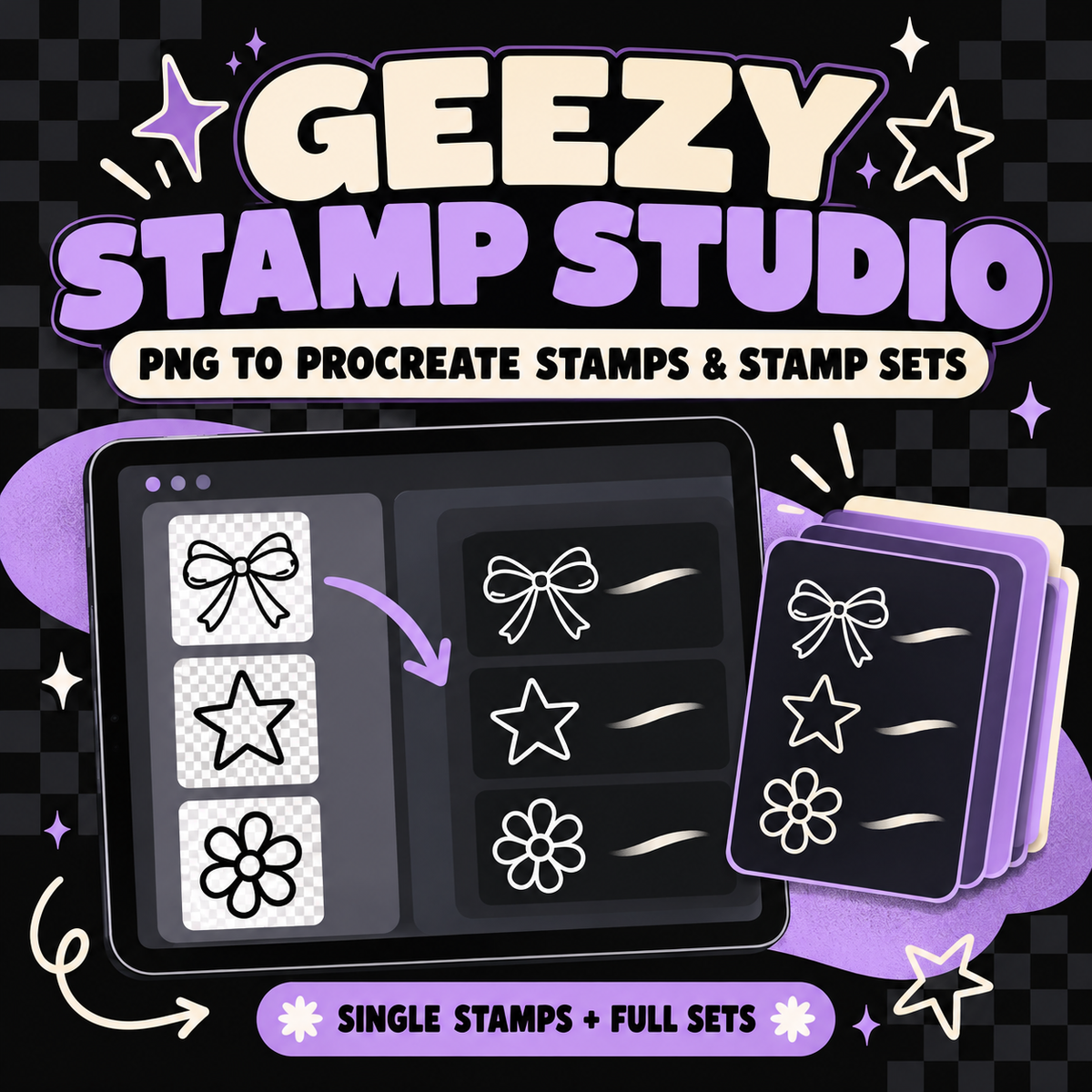
Turn your transparent PNG artwork into ready-to-import Procreate stamps—without manually building every brush one at a time!
The Geezy Stamp Studio is a browser-based creator tool that converts transparent black, white or grayscale PNG artwork into genuine Procreate .brush files and complete .brushset files.
Create one individual stamp or upload an entire collection and turn it into an organized Procreate stamp set!
What You Can Create
Single Stamp
Upload one transparent PNG and create an individual Procreate .brush file.
You can:
• Name your stamp brush
• Add your optional Creator Name
• Preview the processed stamp
• Compare the original and processed artwork
• Adjust the preview size
• Download a genuine .brush file ready to import into Procreate
Stamp Set
Upload multiple transparent PNGs and create one complete Procreate .brushset file.
You can:
• Upload up to 100 stamps per set
• Name the complete stamp set
• Name every individual stamp
• Add your optional Creator Name
• Reorder the stamps before creating the set
• Preview every processed stamp
• Remove files you do not want included
• Review the names and order before creating the set
• Download everything as one ready-to-import .brushset file
Designed for Transparent Artwork
Geezy Stamp Studio accepts transparent:
• Black outline PNGs
• White outline PNGs
• Solid black PNGs
• Solid white PNGs
• Grayscale PNGs
The tool automatically prepares your artwork for use as a Procreate stamp Shape Source.
It trims unnecessary transparent space, centers the artwork and scales it proportionally without stretching or cropping the design. Interior transparent areas and holes remain open so outline artwork does not become an unwanted solid shape.
Helpful Preview & File Checks
Before creating your stamp, Geezy Stamp Studio lets you review how the processed artwork will look.
The tool can also alert you to:
• Artwork touching the edge
• Very small artwork
• Duplicate stamp names
• Blank names
• Unsupported filename characters
• Files without visible artwork
• Unsupported file types
You remain in control of your stamp names, set name, order and Creator Name.
Genuine Procreate Files
This tool does not simply rename a PNG or place your artwork inside a ZIP folder.
Geezy Stamp Studio creates genuine:
• .brush files for individual Procreate stamps
• .brushset files for complete Procreate stamp collections
Each stamp inside a set receives its own unique identifier so the brushes remain separate and do not overwrite one another.
Private Browser-Based Processing
Your uploaded artwork is processed directly inside your browser.
Your PNG files, finished brushes and stamp sets are not permanently uploaded or stored by Geez Louise.
Important Information
• This purchase provides access to the browser-based Geezy Stamp Studio inside the Geezy Creator Hub.
• Procreate and a compatible iPad are required to use the finished .brush and .brushset files.
• Procreate is not included with this purchase.
• Maximum upload size is 25 MB per PNG.
• Images larger than 2048 pixels are scaled down during stamp processing.
• Stamp Shape Sources are prepared at 2048 × 2048 pixels.
• Stamp Set mode supports up to 100 stamps per set.
• For the cleanest results, begin with clear, high-quality PNG artwork on a transparent background.
• Only upload artwork that you created or have permission to use.
• Internet access is required to log in to the Geezy Creator Hub and use the tool.
• Your unfinished project may be cleared if you refresh or close the browser page.
• Digital-tool purchases are nonrefundable due to the nature of the product.
How Access Works
After purchase, use the email address connected to your order to log in to the Geezy Creator Hub.
You can access the tool here:
https://hub.geezlouisedesigns.com
A demonstration and written instructions are available on the Geez Louise How-To page.
Watch the Demonstration
Geezy Stamp Studio is an independent creator tool and is not affiliated with or endorsed by Procreate or Savage Interactive.
Share